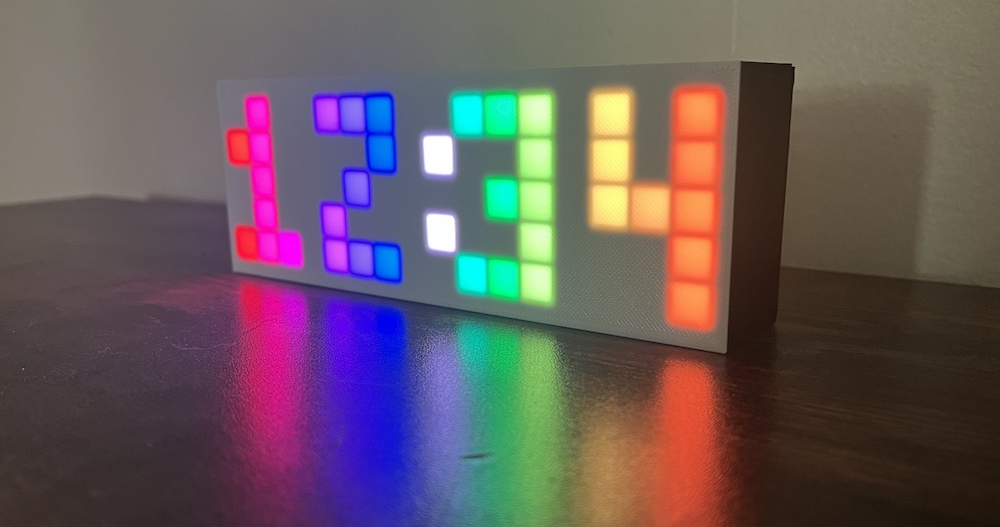

This page briefly explains the basic setup and loop structure used for Arduino programming, and contains an overview of the files in the Rainbow Clock code.
Basic code structure
When you open a blank file in the Arduino IDE, you get the following template. Arduino programs always need a setup() and a loop() function.
void setup() {
  // put your setup code here, to run once:

}

void loop() {
  // put your main code here, to run repeatedly:

}
setup()
The setup() function runs once when you press reset or power the board. Some examples of things you might put in here are:
- initialize a data pin with an LED
- initialize a data pin with a button
- initialize an array of LEDs with the FastLED library
loop()
The loop() function runs over and over again forever. Some examples of things you might put in here are:
- read the state of a button
- set basic LEDs to on or off
- set addressable LED pixels to a color
Example
Here’s an example from the Arduino IDE. You can access this example in your own IDE by going to File -> Examples -> Basics -> Blink
/*
  Blink

  Turns an LED on for one second, then off for one second, repeatedly.

  http://www.arduino.cc/en/Tutorial/Blink

*/

// the setup function runs once when you press reset or power the board
void setup() {
  // initialize digital pin LED_BUILTIN as an output.
  pinMode(LED_BUILTIN, OUTPUT);
}

// the loop function runs over and over again forever
void loop() {
  digitalWrite(LED_BUILTIN, HIGH);   // turn the LED on (HIGH is the voltage level)
  delay(1000);                       // wait for a second
  digitalWrite(LED_BUILTIN, LOW);    // turn the LED off by making the voltage LOW
  delay(1000);                       // wait for a second
}
Rainbow Clock file structure
The rainbow clock code is made up of .ino files and .h files.
.ino files
.ino files are arduino files. When you compile your Arduino program, all .ino files are automatically concatenated together into one big file. They are a way to organize large programs into separate files.
.ino file | Description |
|---|---|
| rainbow-clock.ino | The main arduino file containing the setup() and loop() functions |
| button.ino | Button related functions. See the code breakdown on the How the button code works page. |
| eeprom.ino | EEPROM related functions. See the code breakdown on the How the clock code works page. |
| leds.ino | LED related functions. See the code breakdown on the How the LED code works page. |
.h files
.h files are header files. In Arduino programming, header files contain definitions for a library, which contain .cpp and .h files. (See more about library file structure here.) The Rainbow Clock header files break this rule! They are used to store class definitions and cohesive standalone chunks of code instead of following the traditional library structure.
.h file | Description |
|---|---|
| LEDGrid.h | LEDGrid class. See the code breakdown on the How the LED code works page. |
| Clock.h | Clock class. See the code breakdown on the How the clock code works page. |
| Button.h | Button class. See the code breakdown on the How the button code works page. |
| Digit.h | Digit struct and definitions of digits 0-9. See the code breakdown on the How the LED code works page. |
| Timer.h | Timer struct. See the code breakdown on the How the button code works page. |