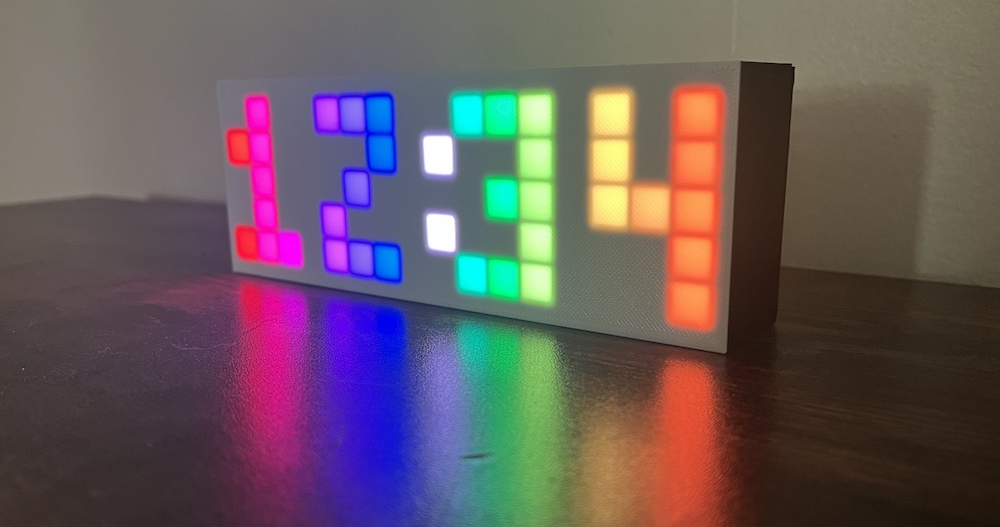

Hello! Welcome to the Rainbow Clock guide!
The Rainbow Clock is simply a digital clock with rainbow digits, but it’s also more than that: it is a tool for learning how to program LEDs. This website guides you through uploading your own code to the clock’s microcontroller to light up the grid of pixels with your own patterns.
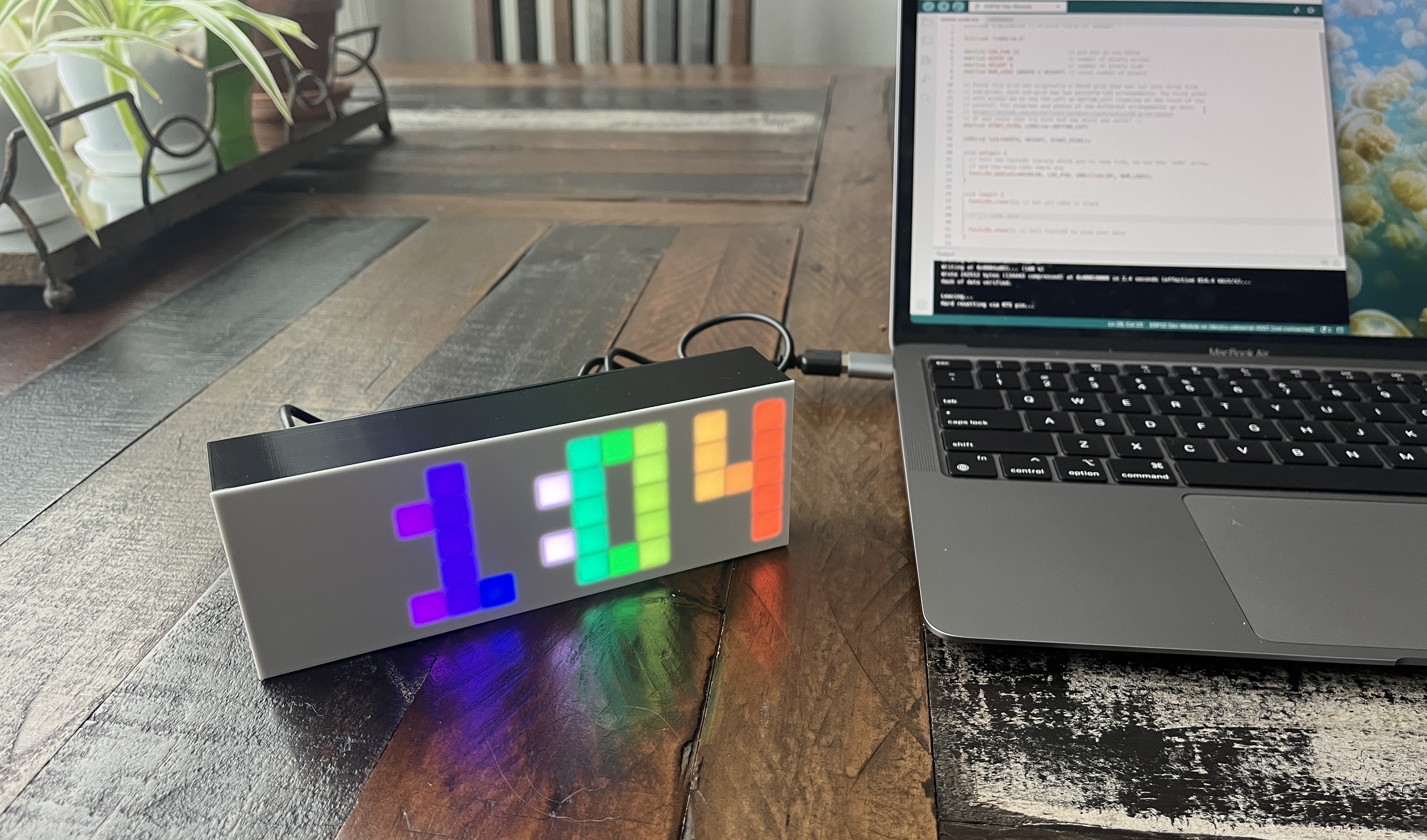
What’s in this guide
This guide walks you through step-by-step writing your own LED code, including:
- How to set up the necessary software onto your computer
- How to upload code to the clock’s microcontroller
- How to code several basic pixel patterns and animations
This guide also contains a breakdown of all the code that runs the clock functionality, including:
- How the time is tracked
- How a button press is captured
- How the time is set using the button
- How the pixels light up in a rainbow
Where to buy a clock
The clock is available to buy on either my online store or my Etsy shop.
Where to begin
The sidebar lists all the pages in this guide. If you want to understand more about how the clock is built, check out the pages in the “About the Rainbow Clock” section. If you’re ready to start coding, dive into Setup environment.